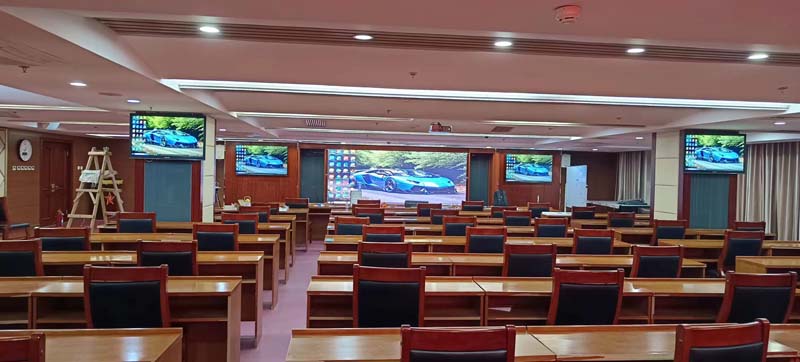
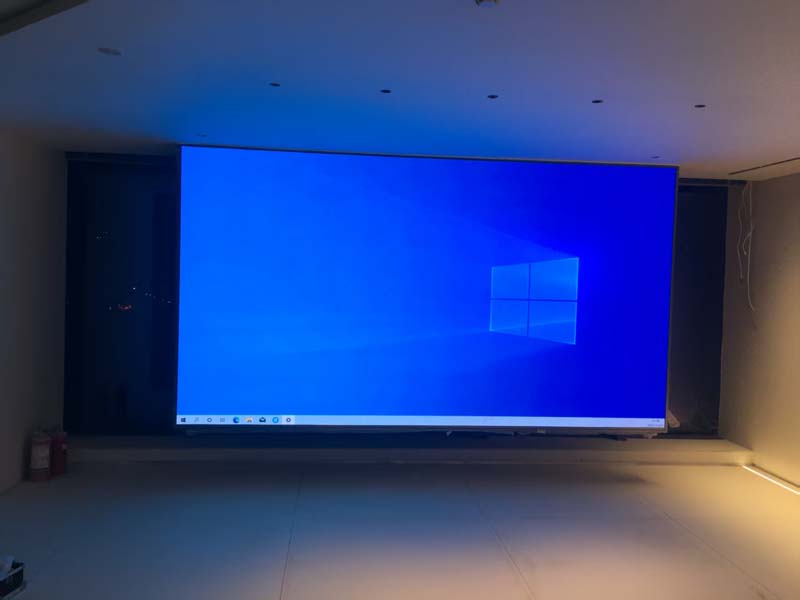
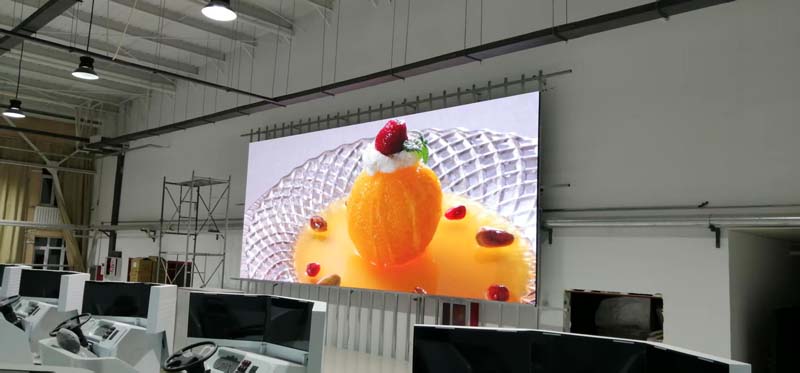
Buyers who compare quotes for what looks like the same LED wall often find a spread of thirty or forty percent between the cheapest and the most expensive offer. The panel size is identical, both suppliers list the same 2.5 mm pitch, and both claim a high refresh rate. The difference sits in the specifications that quotations rarely print: scan mode, driver IC gray depth, LED binning tolerance, calibration headroom and mechanical sealing. Those are the numbers that determine what your audience actually sees, and how long the wall keeps looking that way. What follows is a practical walk through the technical points worth interrogating, plus the questions to put to any supplier before you commit to a purchase order.
Pixel Pitch Is a Starting Point, Not a Specification
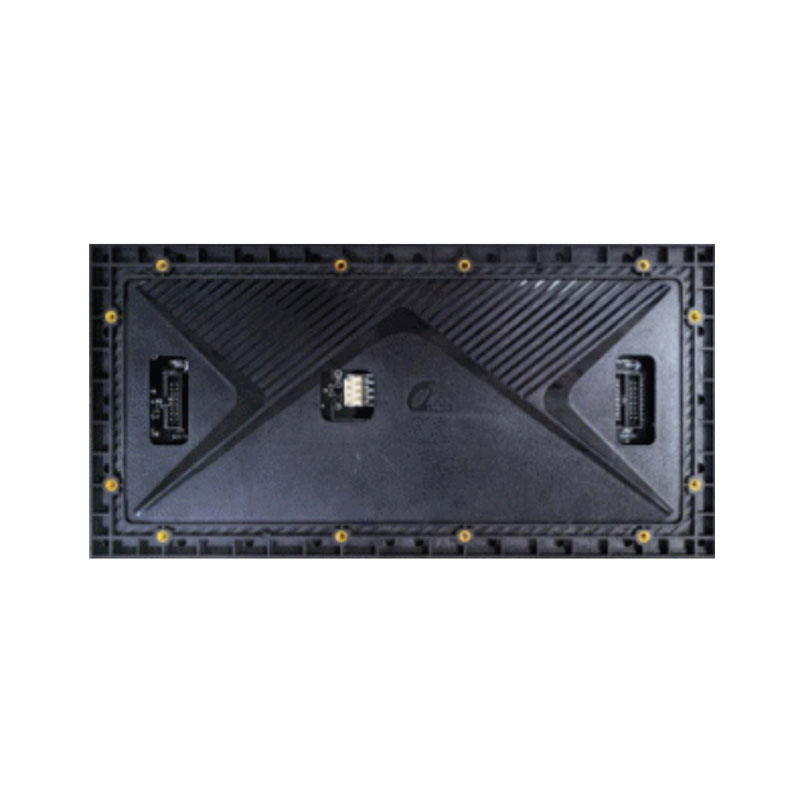
Pixel pitch is the center-to-center distance between two adjacent LEDs of the same color, measured in millimeters. It sets the resolution ceiling of the display: a 5 by 3 meter wall built from 2.5 mm modules resolves roughly 2000 by 1200 pixels, while the same wall at 4 mm gives about 1250 by 750.
The useful rule of thumb is that the minimum comfortable viewing distance in meters is approximately equal to the pitch in millimeters for casual viewing, and two to three times the pitch for content where text legibility matters. That is why fine pitch modules in the 1.2 mm to 2.5 mm band belong in control rooms, boardrooms and retail windows where people stand close, while 3 mm to 4 mm suits lobbies and mid-size auditoriums, and 6 mm to 10 mm remains the sensible choice for roadside signage where the nearest viewer is meters away.
Pitch alone does not describe image quality. Ask what LED package is used. Standard SMD packages handle most indoor work, chip-on-board and IMD packages deliver better black levels and higher resistance to impact and moisture, and through-hole DIP LEDs remain common in large outdoor screens for their brightness and heat tolerance. Also ask for the pixel density per square meter and the cabinet resolution, because two suppliers quoting the same wall width from differently sized cabinets will end up with different total resolutions and a visible seam at the join.
Brightness and Contrast: Why More Nits Is Not Automatically Better
Brightness is measured in nits, or candelas per square meter. Indoor displays typically run between 600 and 1200 nits, with fine pitch products often calibrated lower to reduce glare and eye fatigue in enclosed rooms. Outdoor displays generally need 5000 to 8000 nits, with the higher end reserved for screens facing direct sun.
The trap is buying the brightest panel on the quote. Running an indoor wall at full output shortens LED life, wastes power and produces the washed-out, low-contrast look that makes video content look grey. What matters is the dimming range: a display that can be driven down to a small fraction of its peak brightness while holding consistent color and gray levels is worth more than one that is simply brighter at the top. Look for automatic ambient light sensing and a stated minimum usable brightness.
Contrast is the companion spec. It depends on how much light the module reflects when the LEDs are off, which in turn depends on the mask, the encapsulation and the black level of the LED package itself. Chip-on-board and IMD modules generally produce noticeably deeper blacks than conventional SMD, which is why they photograph better and hold up in high-ambient-light retail environments.
Refresh Rate, Grayscale, and Scan Mode
Refresh rate, in hertz, describes how often the display rewrites the full image. The eye cannot resolve the difference above a certain point, but a camera can. A display refreshed below roughly 1920 Hz will show horizontal banding and flicker when filmed. For retail, conference and general indoor use, 1920 Hz to 3840 Hz is a common working range; rental, broadcast and any application where the screen appears on camera should be specified at 3840 Hz or higher. If your content will be captured by high-speed cameras for slow-motion replay, specify higher still and confirm it with a filmed test.
Grayscale depth describes how many brightness steps each color channel can produce. Fourteen-bit and sixteen-bit internal processing is standard on quality modules, but the specification that matters is low-gray performance: how accurately the module renders a dark scene when the overall brightness is turned down. Cheap drivers lose color fidelity and develop blocky gradients at low brightness levels, which is precisely the condition a calibrated indoor wall spends most of its life in.
Scan mode is the most frequently misunderstood line on a datasheet. It tells you how many rows of the module are driven simultaneously, expressed as a fraction such as 1/8, 1/16 or 1/32 scan, or as static drive where every row has its own channel. A higher scan number means each LED is lit for a smaller share of the frame, so the driver and the LED must run faster and brighter to compensate. This is not automatically better or worse. What matters is that the scan mode matches the driver IC's capabilities and the cabinet's power design, because a mismatched pairing is the usual cause of flicker, ghosting or short LED life.
Driver ICs and Power Draw: What Actually Generates the Heat
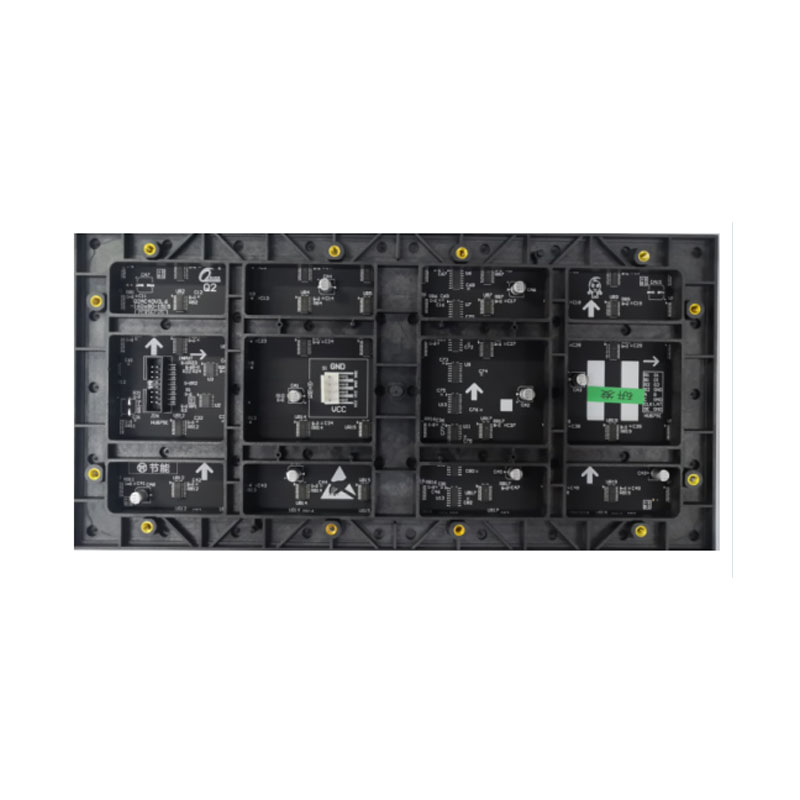
The driver IC is the chip that delivers current to each LED. General-purpose constant-current drivers handle basic signage well. High-refresh PWM drivers with built-in memory hold gray levels more accurately, support higher refresh rates at the same scan mode, and reduce the low-gray artifacts described above. Ask the supplier directly which driver family is used, whether it is a recognized tier-one part, and what refresh rate the complete module achieves in practice rather than on a test bench.
Power consumption should be quoted two ways: maximum and average. Maximum is used for power supply and circuit sizing, and you should insist that the supply is derated rather than sized at exactly the maximum figure. Average consumption, usually a fraction of maximum and heavily dependent on content, is what you use for running cost estimates and for sizing your electrical distribution and air conditioning. Fine pitch indoor modules typically fall well under outdoor modules, which is one reason heat planning matters more on large outdoor installations.
Heat is the real constraint. LEDs and driver ICs lose efficiency as they warm, and every degree of temperature rise shortens the working life of the electrolytic capacitors in the power supply. Common-cathode driver schemes, where the current path is shortened and the voltage drop reduced, cut both power draw and heat output compared with older common-anode designs. For indoor installations in noise-sensitive rooms, a fanless cabinet is worth specifying. For outdoor cabinets, confirm the cooling path, the thermal interface between the module and the cabinet frame, and whether the design allows air to move without letting water in.
IP Rating, Materials, and Serviceability
The IP rating has two digits. The first is protection against solid objects and dust, the second against water. A common outdoor specification is IP65 on the front face and IP54 or better on the rear, which allows the display to be washed down from the front while protecting the back from splashing. Fully sealed IP65 on both faces is available and appropriate for coastal sites, washdown environments and rental stock that travels between venues.
Treat an IP claim as the beginning of a conversation. Ask what the gasket material is, whether the cabinet uses a sealed module design or relies on the front mask, whether the PCB is conformally coated, and how water that does get in drains away. For coastal installations, ask about salt spray resistance and the corrosion treatment of the cabinet and fasteners. For rental fleets, ask about the number of mating cycles the connectors and quick locks are rated for, because a rental cabinet is assembled and struck far more often than a fixed one.
Serviceability is the last mechanical question. Front-service cabinets let you replace a module or a power supply from the audience side, which is essential when a wall is mounted flush to a wall or suspended in a shopping mall. Rear-service access is fine where there is a maintenance corridor behind the screen. Confirm the weight per cabinet, since it drives your rigging design, and confirm what spare parts ship with the order.
Calibration and Consistency Across a Large Wall
A large wall is built from many modules, and modules from different production batches vary in wavelength and brightness. Suppliers sort LEDs into bins and match modules within an order, but the tolerance of that match is a real purchase variable. Ask for the brightness and chromaticity tolerance across the delivered batch, not just within a single cabinet.
Factory calibration brings modules to a common target. On-site calibration then corrects for the wall as installed, including any effects from ambient light and viewing angle. Ask whether calibration is performed per module or per cabinet, what color space targets are used, and whether the calibration file is supplied with the screen so it can be restored after a repair. LEDs drift with age and heat, so plan for periodic recalibration, especially on walls where a single cabinet replacement would otherwise stand out.
A Practical Buying Checklist
Before you sign, confirm these in writing: the pixel pitch and cabinet resolution in pixels, not just millimeters; the LED package type and binning tolerance; indoor brightness range with minimum usable level, or outdoor brightness with peak and dimming steps; refresh rate at least 1920 Hz for indoor and 3840 Hz for camera-facing work; grayscale depth and a stated low-gray performance claim; scan mode and the driver IC family used; maximum and average power per square meter, with power supply derating; IP rating for front and rear, with gasket and coating details; front or rear serviceability and cabinet weight; calibration method and whether calibration files are delivered; and the warranty terms for modules, power supplies and driver boards separately.
Conclusion
The specifications that separate a display that looks good for a decade from one that looks tired in three years are rarely the ones on the headline quotation. Send your project details to HITULED and the engineering team can recommend the right module pitch, brightness class, driver configuration and IP construction for your site, supply a sample module for evaluation, and prepare a quotation with the full specification sheet attached.